
Codex
One agent for everywhere you code
Codex is OpenAI's coding agent for software development. ChatGPT Plus, Pro, Business, Edu, and Enterprise plans include Codex. It can help you:
Write code: Describe what you want to build, and Codex generates code that matches your intent, adapting to your existing project structure and conventions.
Understand unfamiliar codebases: Codex can read and explain complex or legacy code, helping you grasp how teams organize systems.
Review code: Codex analyzes code to identify potential bugs, logic errors, and unhandled edge cases.
Debug and fix problems: When something breaks, Codex helps trace failures, diagnose root causes, and suggest targeted fixes.
Automate development tasks: Codex can run repetitive workflows such as refactoring, testing, migrations, and setup tasks so you can focus on higher-level engineering work.
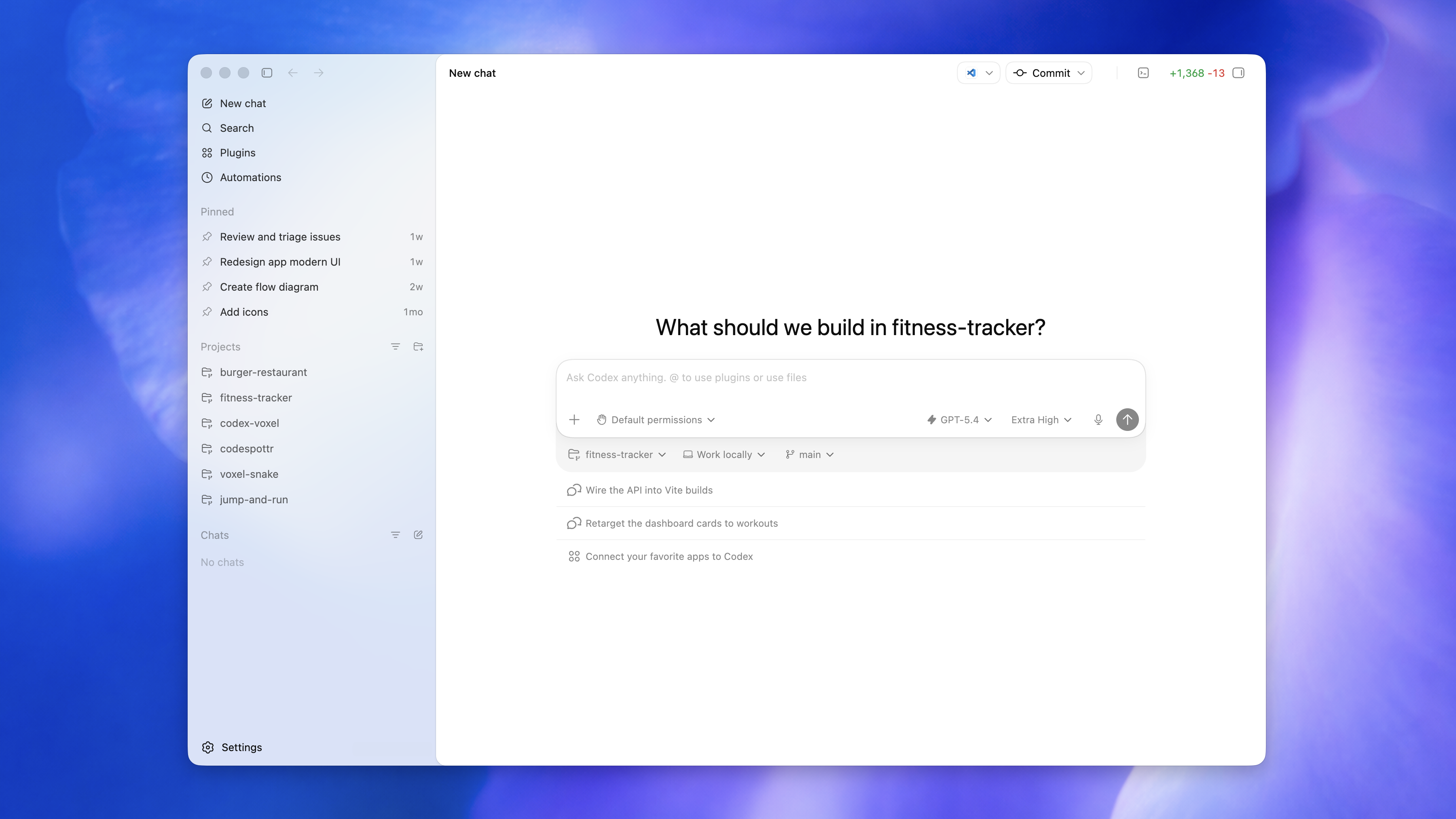
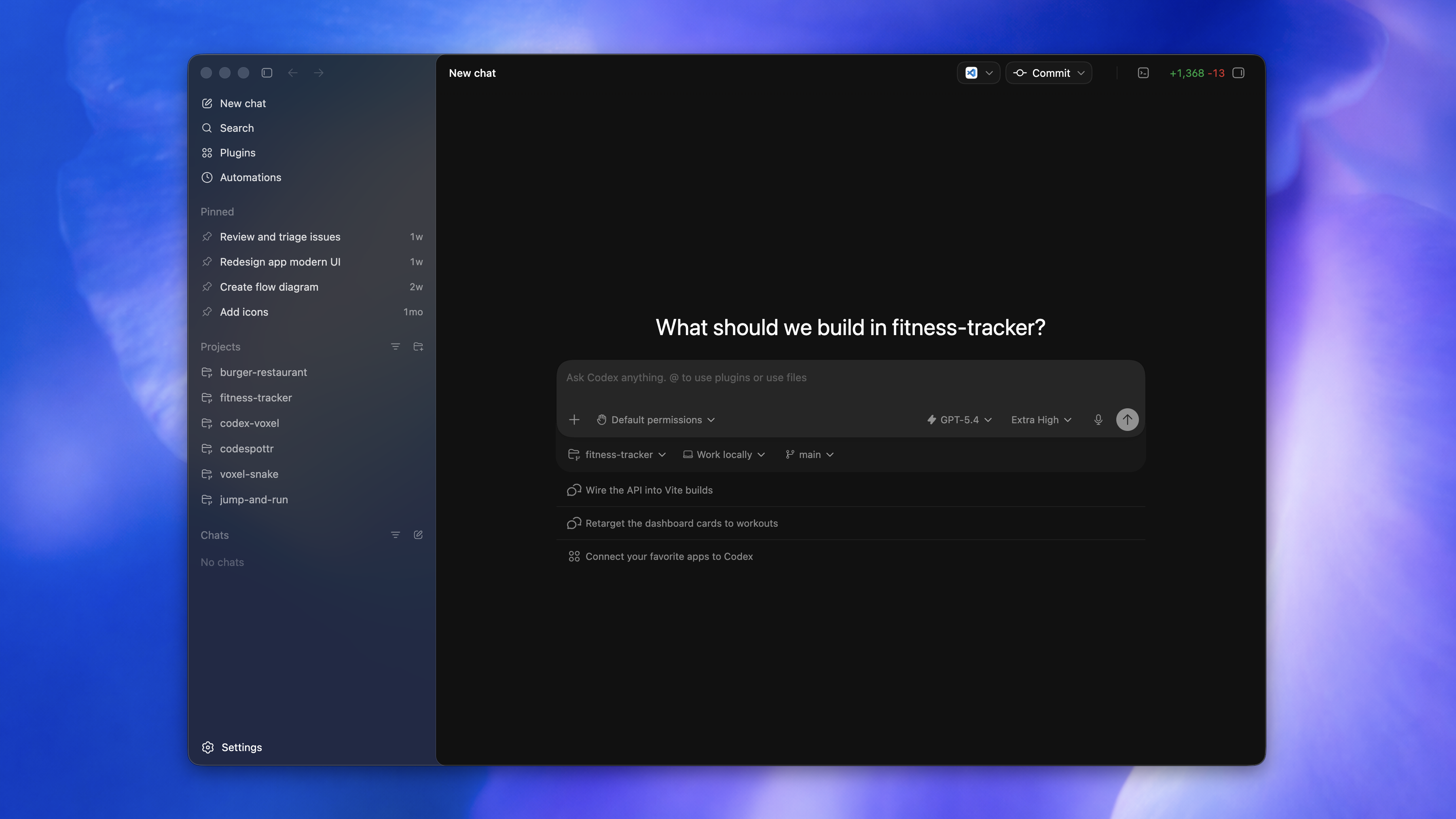
Quickstart
Download and start building with Codex.
Get startedExplore use cases
Get inspiration on what you can build with Codex.
Learn moreCommunity
Read community posts, explore meetups, and connect with Codex builders.
See communityCodex for Open Source
Apply or nominate maintainers for API credits, ChatGPT Pro with Codex, and selective Codex Security access.
Learn moreQuickstart
Every ChatGPT plan includes Codex. You can also use OpenAI API credits with an API key.
CLI (Recommended)
Install with PowerShell:
npm i -g @openai/codexOr via Homebrew:
brew install codexRun codex to authenticate and start working.
Cloud
Available at chatgpt.com/codex. Connect a GitHub repository, monitor tasks with logs, review diffs, and create pull requests directly.
Use Cases
Explore practical workflows. Key categories:
- Production Systems — Navigate real codebases, make controlled changes, codify repeatable work
- Web Development — Convert design inputs into responsive UI with fast iteration
- Native Development — Build for iOS/macOS, refactor native UI
- Game Development — Create games from initial playable loops to production quality
- Productivity — Analyze data, integrate apps, transform insights into action
Featured examples: Review pull requests, build responsive designs, refactor codebases, create CLI tools, automate bug triage.
Prompting
Communicate with Codex by submitting prompts describing desired tasks.
Writing effective prompts
Codex produces higher-quality outputs when it can verify its work. Include reproduction steps and validation procedures. Break complex tasks into smaller, focused steps — they're easier to test and review.
Threads
A thread represents a single work session. Threads can run locally or in cloud environments. Local threads operate within sandboxes. Codex supports standalone chats using a managed threads directory (default: ~/.codex/threads).
Context
Context includes relevant files, images, and information Codex gathers during work. The system monitors context window limitations and can automatically compact context through summarization.
Models
- gpt-5.4 (recommended) — Industry-leading coding capabilities with strong reasoning, tool use, and agentic workflows. Start here for most tasks.
- gpt-5.4-mini — Streamlined variant for responsive coding tasks and subagents, prioritizing speed and efficiency.
- gpt-5.3-codex — Industry-leading coding model for complex software engineering.
- gpt-5.3-codex-spark — Research preview optimized for near-instant, real-time coding iteration. ChatGPT Pro only.
- gpt-5.2 — Previous generation suited for coding and hard debugging tasks.
Configure default models via config.toml or select temporarily using CLI commands.